Describe it
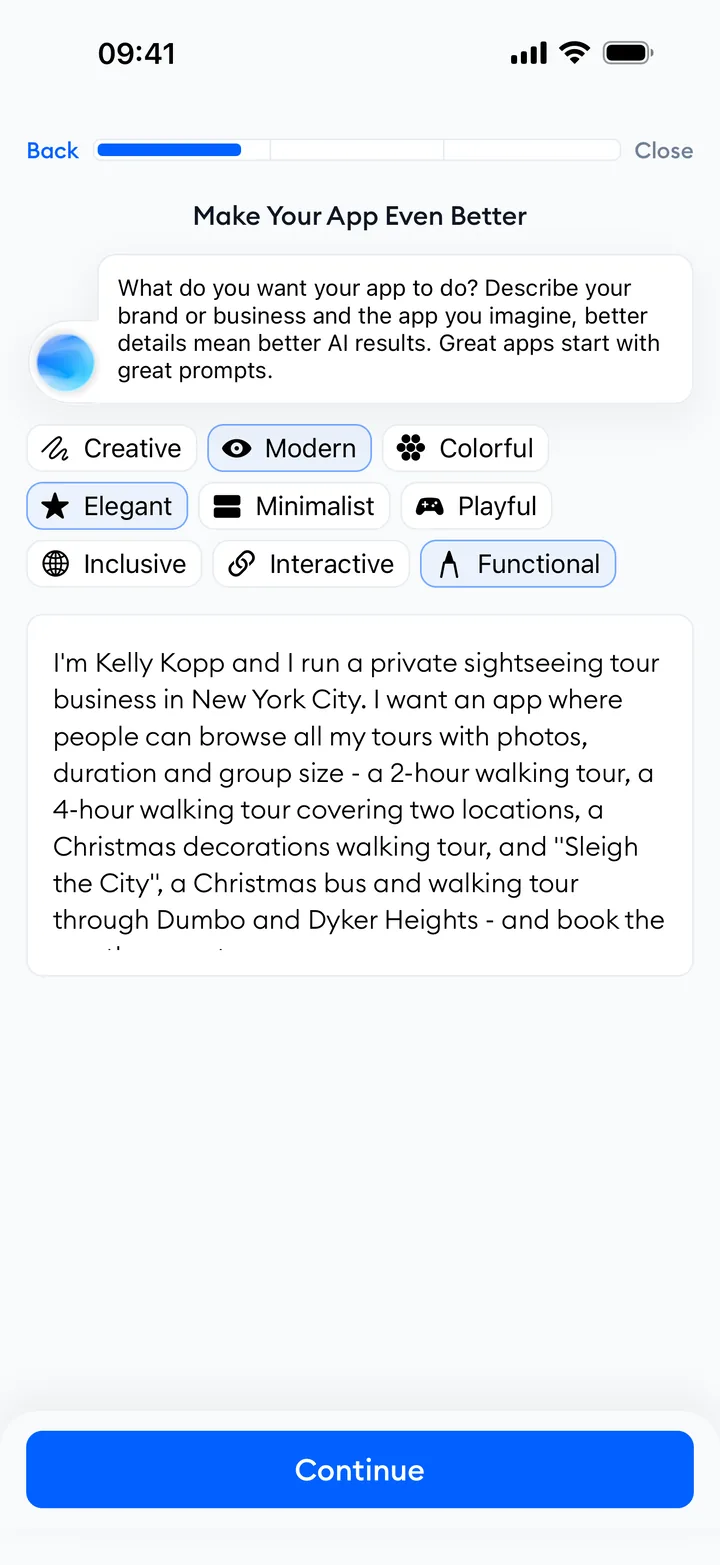
Choose your category and goals, add your links, and describe what you want.
Your content, products, and services in one Mini App. Build a lasting connection with the audience you grew on social media, under your own brand.
Create your free Mini AppDownload Easyapp to create yours. Your audience opens it from one link, with no download, and can add it to their home screen.
My new guide is live. Open my app to find your next step.
Sample notification
Everything I create, share, and recommend, in one place.
 X
X Instagram
 LinkedIn
 Facebook
 YouTube
 TikTok
Sample profile and links
Created with Easyapp
Here's what I'm learning, creating, and working on.
Have a look around, and say hello any time.
Sample About page
Sample products and prices. No purchase is made.
Tap your icon to explore your sample Mini App.
See what others have created with the services you'll pick.
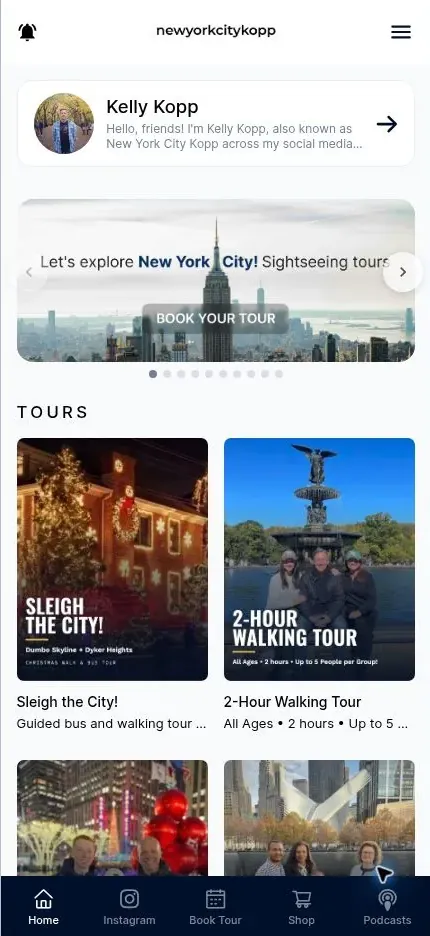

Content creator
Brings New York tours, podcasts, and a shop together in one place.
Open Mini App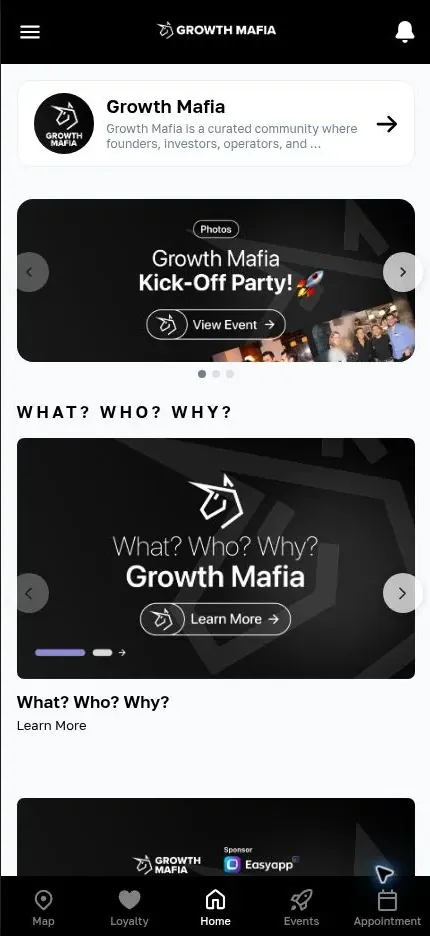

Community
Gathers community events and membership applications in one place.
Open Mini App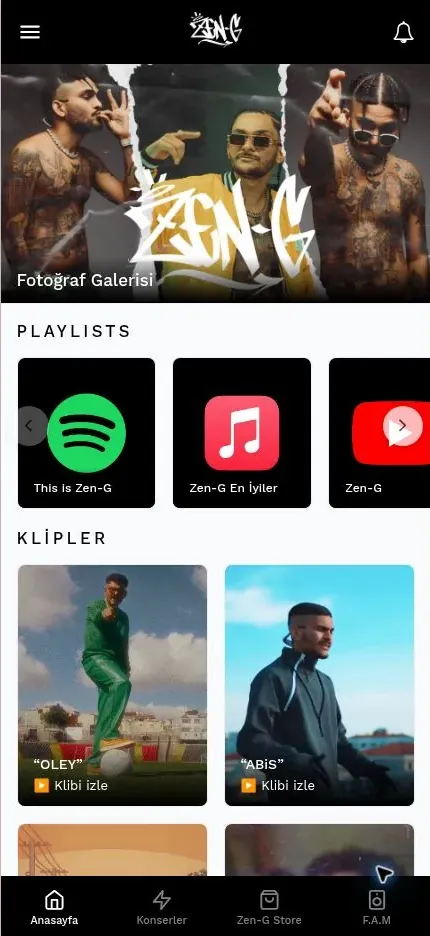

Music and performing arts
Shares music, concert dates, and a merch store with listeners.
Open Mini App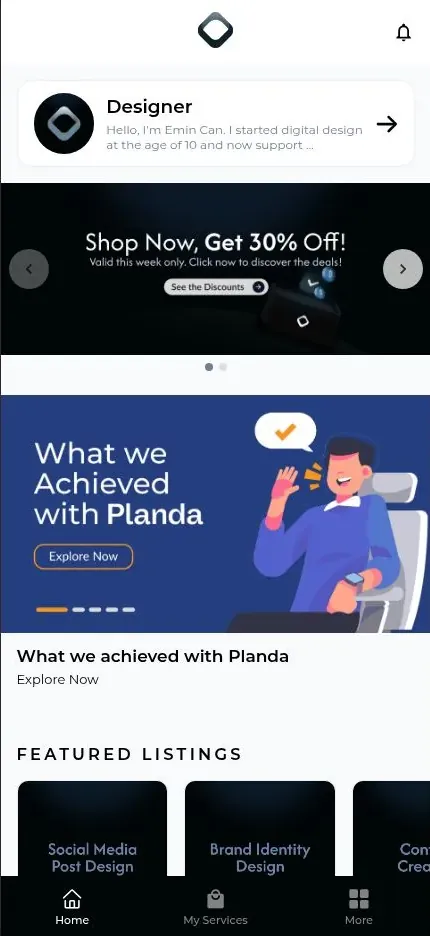


Beauty and personal care
Introduces services and the team, with online appointment booking.
Open Mini App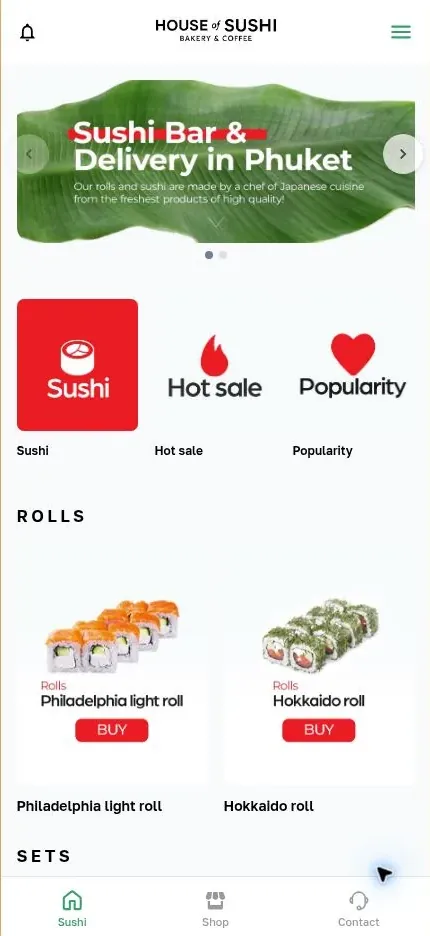

Food and drink
Shares the menu and ordering details, with address and opening hours.
Open Mini AppScreenshots of real Mini Apps from Easyapp Store.
Explore Easyapp StoreStart with Link in Bio, Content, or Shop. Add new services as you need them.
Send notifications to followers who opt in.
Bring your profile and links together under your brand.
Keep your latest posts together in one feed.
Sell products and services in your own shop.
Give your articles and guides a home.
Take appointment requests through your Mini App.
Pair with Content to offer members-only access.
Add links to the other tools you use.
Share your meetups, workshops, and events.
Collect applications and inquiries.
Find out what your audience thinks with surveys.
Organize your resources and recommendations.
Show your locations and meeting points on a map.
Give customers a reason to return with a loyalty program.
Manage user preferences in your Mini App.
Add your Jotform form, Calendly booking page, or FineDine menu with a link. Keep the tools you already use, and bring your audience together in one Mini App.

Google Forms

Jotform

Typeform

Calendly

OpenTable

FineDine

Microsoft Forms

SurveyMonkey

Eventbrite

Shopier

Gumroad

Resy

Tally

Luma

Cal.com

Acuity Scheduling

SimplyBook.me

Ticket Tailor

Doodle

Formstack

Paperform

Setmore

YouCanBookMe

TidyCal
Download Easyapp. Build your Mini App with AI, then edit your content, publish it, and manage it all from your phone.
Choose your category and goals, add your links, and describe what you want.
Your services, pages, content, and images come together in one Mini App.
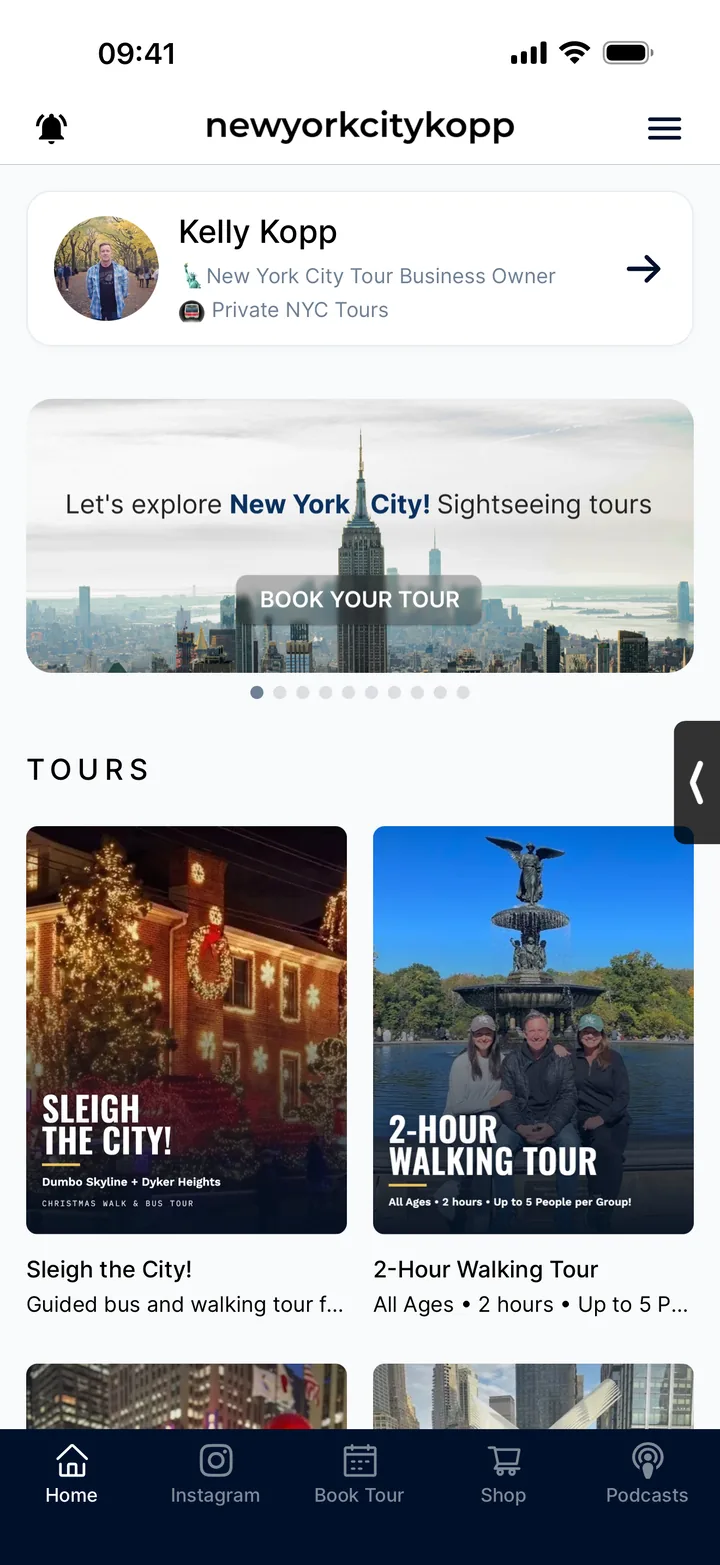
Edit the content and design. Preview, publish, and share your link.
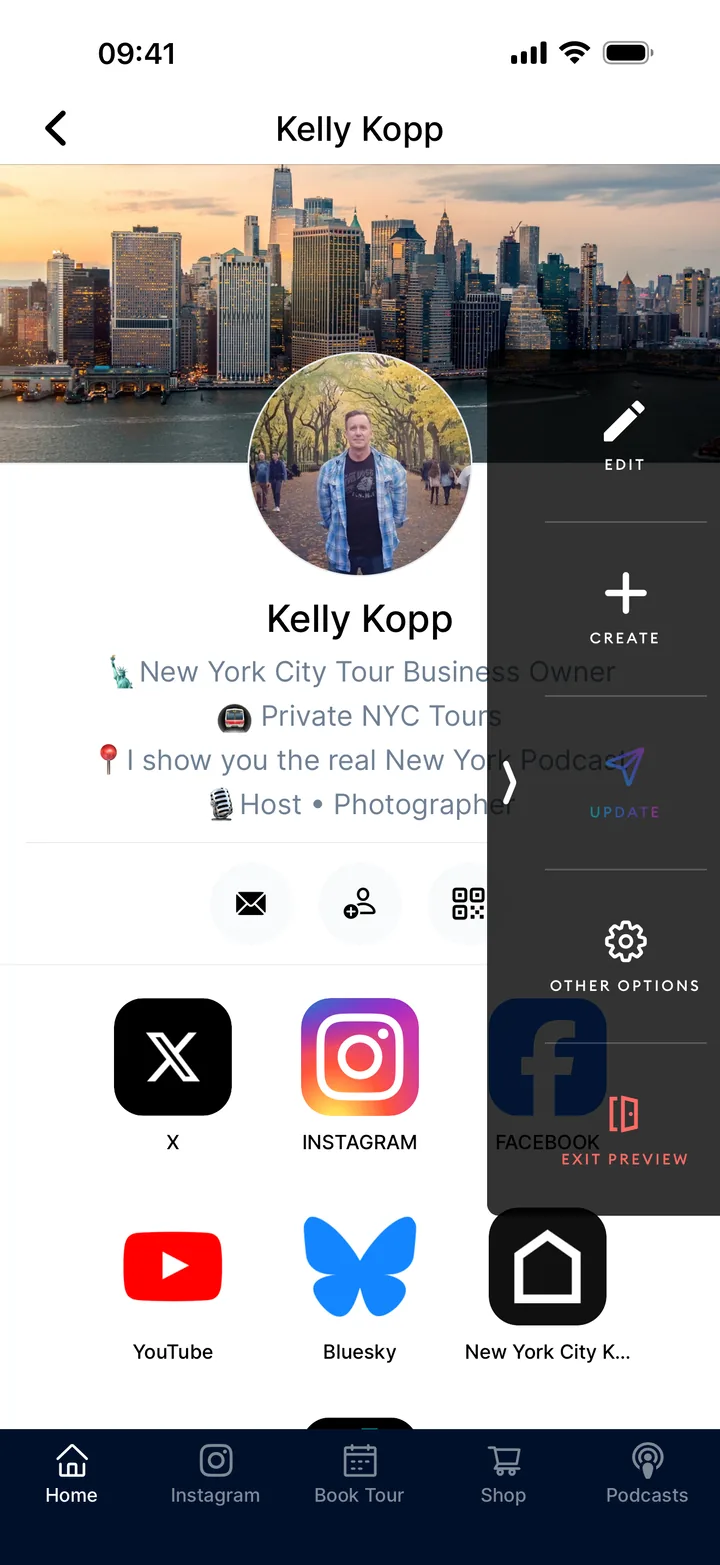
After you publish, draft new posts and images with AI, update your content, send push notifications under your own brand, and follow the results in Reports.
FOR YOU
Choose your name, icon, and colors.
FOR YOUR AUDIENCE
Reach the followers who opt in on iOS and Android. Bring them back to your Mini App with new content, a product, or an event.
Adding to the home screen and allowing notifications are separate choices. Support varies by device and browser.
Easyapp Reports
See how people reach you, what interests them, and how they respond.
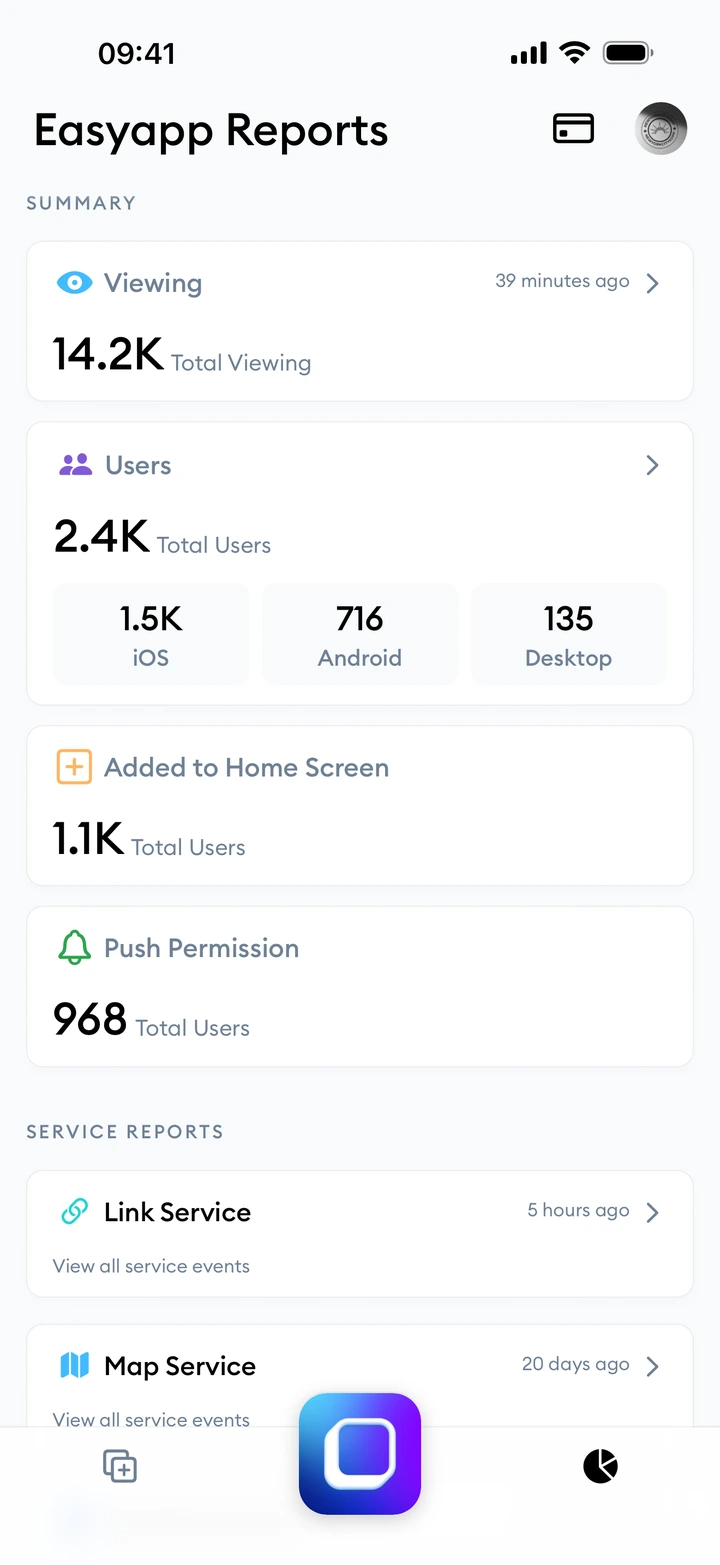
See how many people open your link, and which platforms they come from.
See which posts get attention and how many people add you to their home screen.
See how many people allow notifications, and how many read and open each announcement.
Create and publish free with Creator, and notify up to 100 followers who opt in. Creator Pro removes the limit.
Percentages are Easyapp's fees on sales.
All prices are in USD. Easyapp fees are calculated on sales. App Store and Google Play sales are combined each month for the same account. Stripe, Apple, and Google fees apply separately.
Free through the end of 2027.
From January 2028, sales and subscription renewals that come from Store discovery carry a 5% Discovery fee on top of the existing Easyapp fee, whether the payment runs through Stripe or in-app. Customers you bring in yourself carry no Discovery fee.
Send branded notifications to everyone who opts in, with no recipient limit.
Easyapp takes 0% on web sales. Past $300 in monthly Stripe sales, Pro costs less than Creator.
Remove the Easyapp branding from your Mini App.
Includes the monthly subscription and Easyapp fees. Excludes Stripe, Apple, and Google fees.
The slider stops at $50,000. Type a higher amount if you sell more.
At this level, Creator Pro costs $35.01 less per month.
After your first publish, changing the name, description, icon, category, or target age range uses a publishing credit. Content updates do not.
AI generation credits
50 credits. Each text or image generation uses one.
$4.99
Connect your own domain
Publish your Mini App at your own web address.
$19.99 one-time fee
Change your Mini App address
Change your easyapp.ai subdomain after your first free selection.
$4.99 per change
Publishing credits
5 more publishing credits after you use the ones in your plan.
$4.99
Connect your own domain free through December 31, 2026, inclusive. Domains connected after that date have a one-time fee.
Discover Mini Apps from different creators by category and search.
Explore the StoreReach new customers. Pay when you sell.
Get discovered in the Store and win customers beyond your own audience.
Discovery is free through the end of 2027.
From January 2028, sales and subscription renewals that come from Store discovery carry a 5% Discovery fee on top of the existing transaction fee. Customers you bring in through your own link, your site, social media, or push notifications carry no Discovery fee.
Offer digital products and subscriptions to your audience through Apple and Google's in-app purchase experience.
Your audience finds you on your website and moves to Easyapp Store only to pay for digital purchases or subscriptions.
Trial or subscription starts after tapping "Subscribe" in a single-app test:
RevenueCat · Dipsea · US/iOS · May 2025. Not paid conversion. App-to-web test; excludes Easyapp's web-to-Store flow and Google Play. revenuecat.com
Add Easyapp's push notification, membership, reporting, and payment services to your own app.
A Mini App brings your content, products, and services together under your own brand. It opens from a single link with no download and feels like a mobile app. On supported devices, followers can add it to their home screen and opt in to notifications.
Yes. No subscription fee, and not a limited-time trial. Create and publish your Mini App, use the available services, and notify up to 100 followers who opt in. Easyapp sales fees, payment processing fees, and add-ons are charged separately.
Choose the ready-to-use services that fit your work, then bring content, products, appointments, and events into one Mini App, under your own name and icon.
Reach your audience under your own brand, and notify followers who opt in. Start free with Creator, or take a 0% Easyapp fee on web sales with Pro. Payment processing fees apply separately.
Yes. Bring your videos, articles, and links together in your Mini App. Creator sends free notifications to up to 100 followers who opt in; Pro has no limit.
No. Your Mini App opens from the link you share, with no App Store or Google Play download. Followers can choose to add it to their home screen and allow notifications.
On iPhone, open the link in Safari, then choose "Add to Home Screen" from the menu or Share button and confirm. On Android, open it in Chrome and choose "Add to Home Screen" or "Install". If the link opened inside an app like Instagram, open it in Safari or Chrome first. Notifications need separate permission, and on supported iPhones the Mini App has to be on the home screen before you can allow them.
Use Stripe to accept payments for products and services on the web. Digital purchases and subscriptions through Easyapp Store will soon use Apple or Google's in-app payment system instead of Stripe. Payment processing and platform fees apply on top of Easyapp's fees.
You keep Pro until the end of your paid period. Your Mini App then stays live on the free Creator plan: 100 notification recipients, visible Easyapp branding, and Creator sales fees. Your Easyapp subscription is separate from your followers' purchases and subscriptions.
Create your Mini App and add your profile, links, content, and products. Check your links, checkout, and content access before publishing, then update your social profiles with your Mini App link. Existing subscriptions, saved payment details, and content archives do not transfer automatically. Course progress, quizzes, certificates, and community chat need a separate tool. Easyapp's support team can help with setup questions in writing.
Put your name on it, and bring your audience closer.
You create it in the Easyapp app, free on iOS and Android.