












Describe it
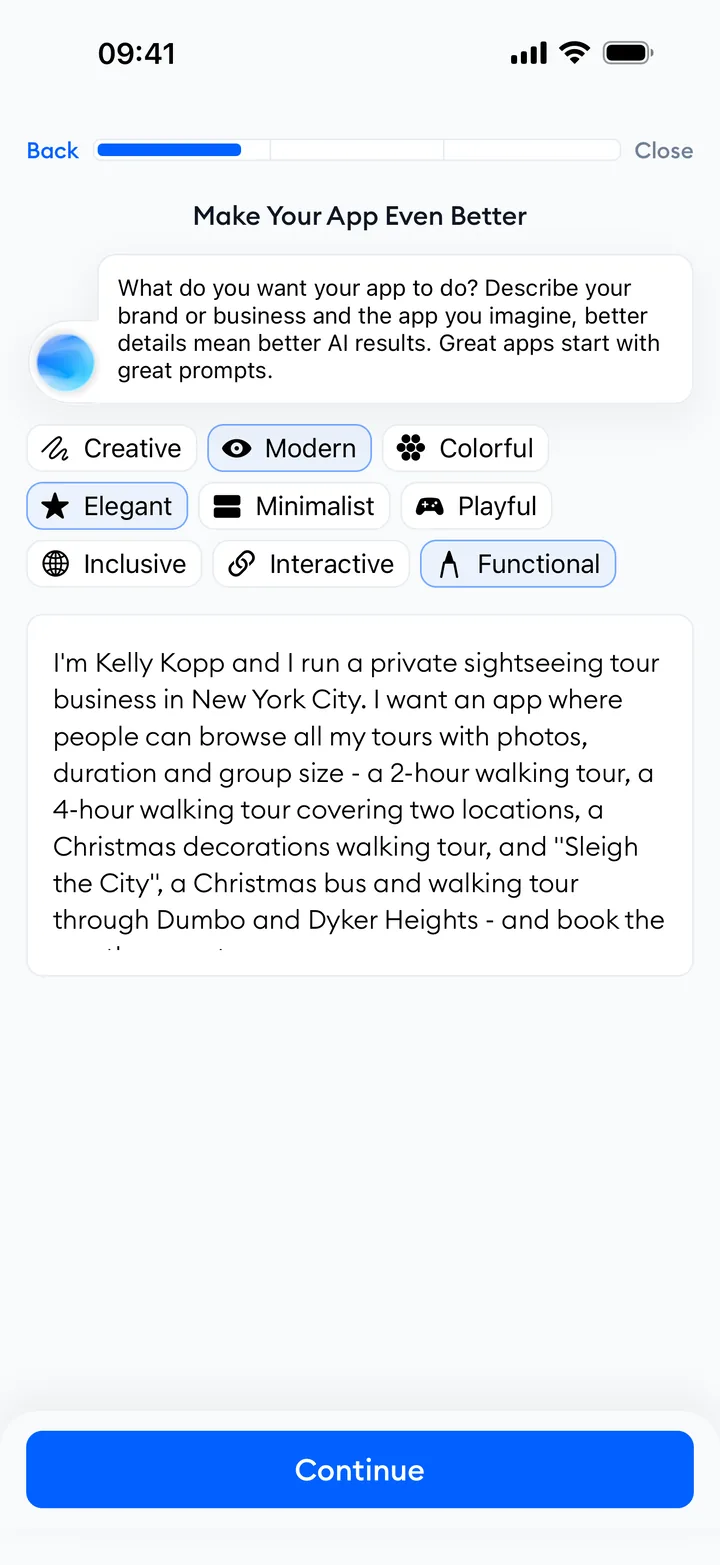
Choose your category and goals, add your links, and describe what you want.
Your all-in-one Mini App for content, products and services, on their home screen. Connect directly through push notifications. The reach of the web. The power of mobile.
Download Easyapp to create and manage yours. Your audience opens it from one link, with no download.
What do you do?
Your choice changes the example notification.
A new lesson is live. Find the video and study notes in my app.
Sample notification
Everything I create, share, and recommend, in one place.






Sample profile and links
Created with Easyapp
Here's what I'm learning, creating, and working on.
Have a look around, and say hello any time.
Sample About page
Sample products and prices. No purchase is made.
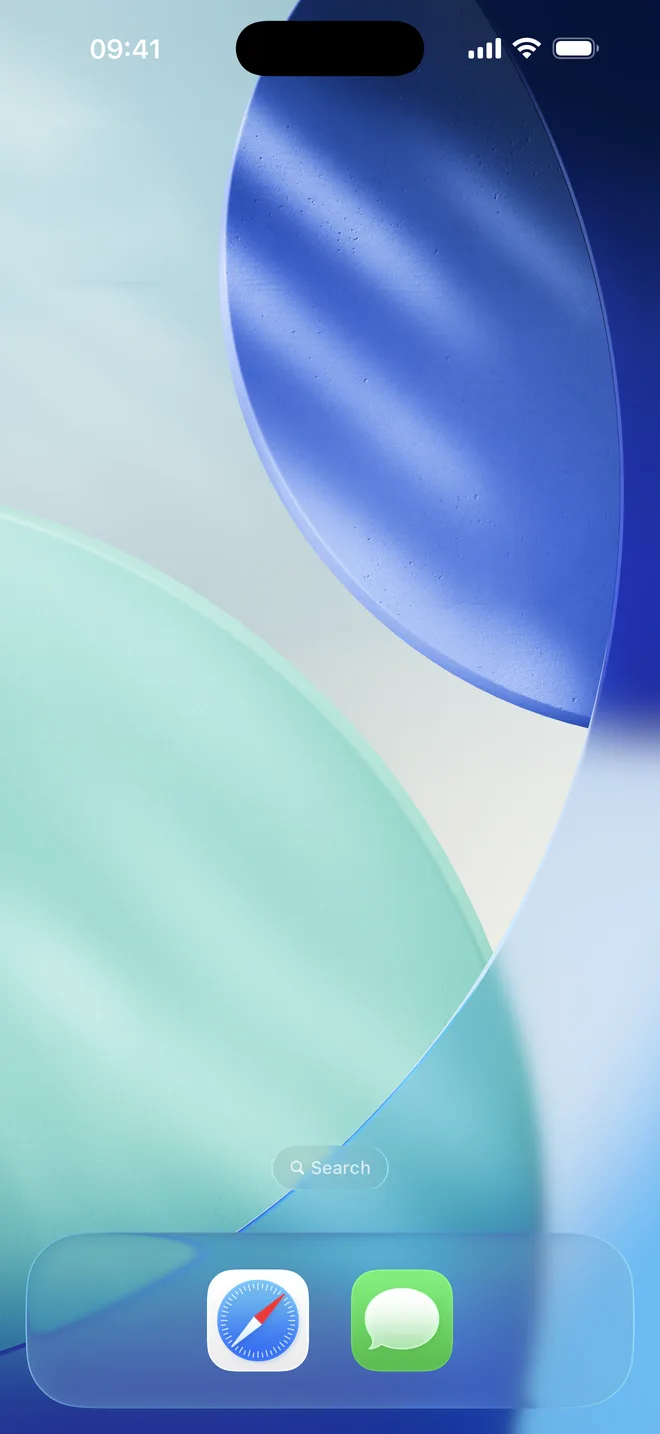
Tap your icon to explore your sample Mini App.
See what others have created with the services you'll pick.
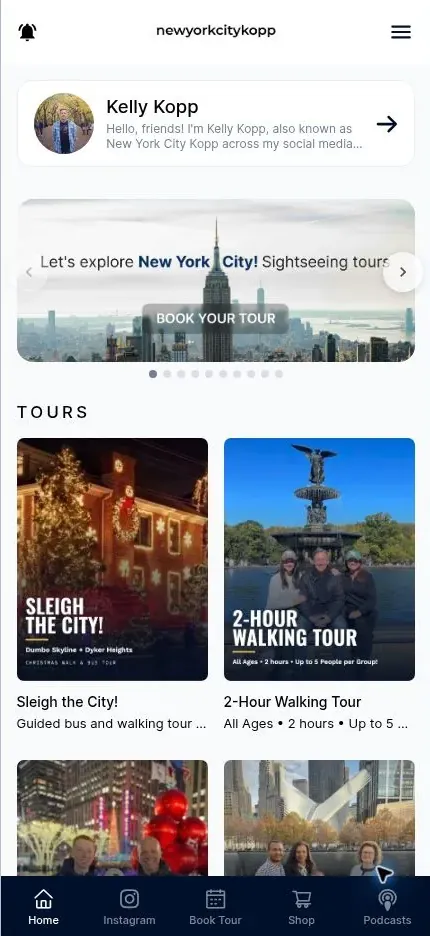
Content creator
Brings New York tours, podcasts, and a shop together in one place.
Open Mini App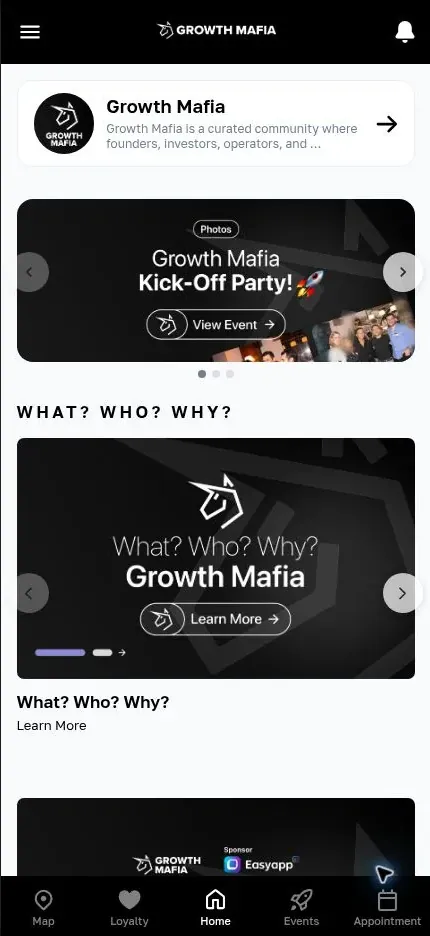
Community
Gathers community events and membership applications in one place.
Open Mini App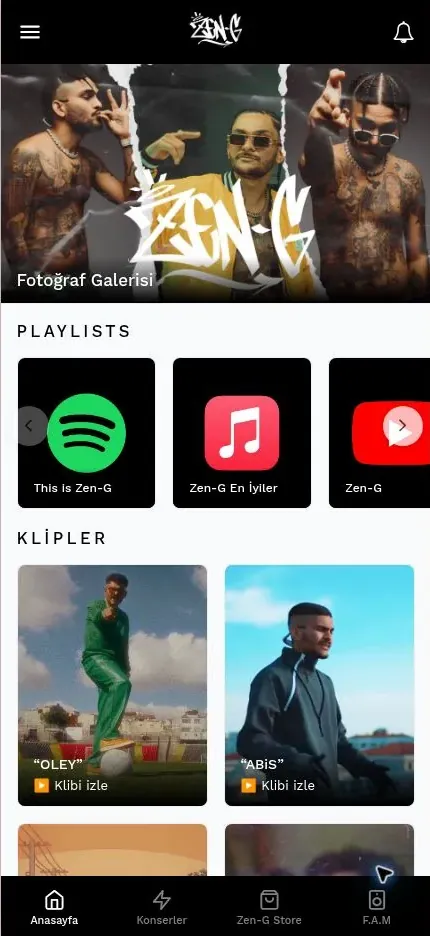
Music and performing arts
Shares music, concert dates, and a merch store with listeners.
Open Mini App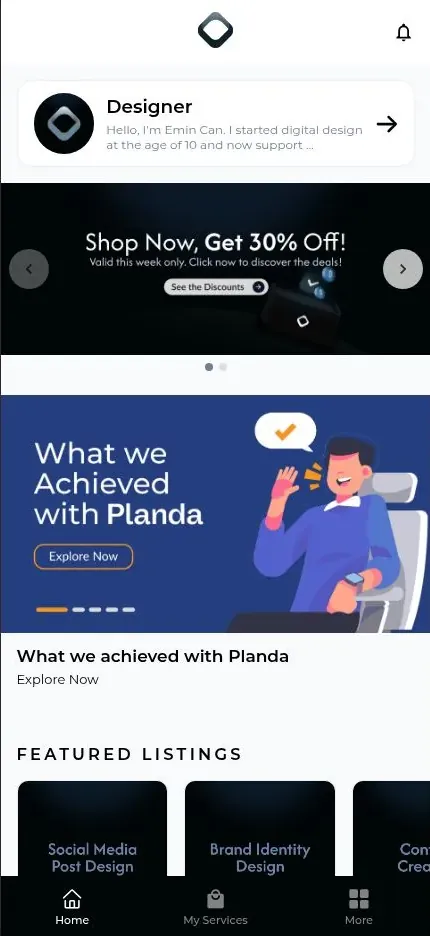

Beauty and personal care
Introduces services and the team, with online appointment booking.
Open Mini App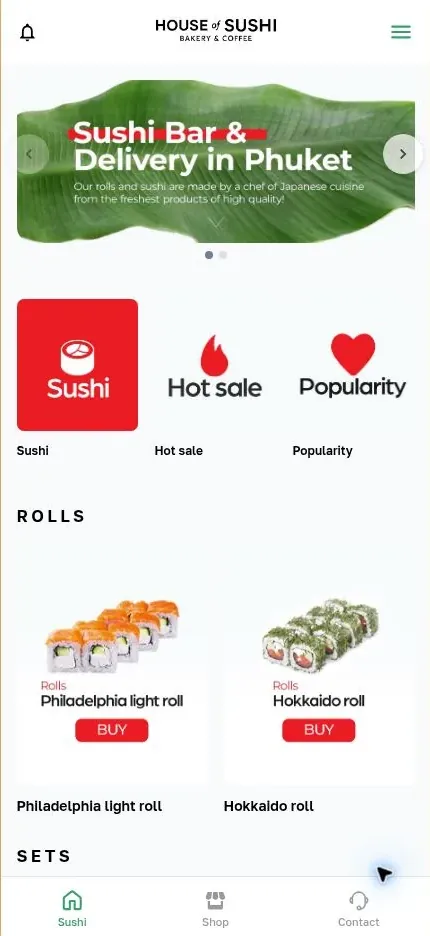
Food and drink
Shares the menu and ordering details, with address and opening hours.
Open Mini AppScreenshots of real Mini Apps from Easyapp Store.
Explore Easyapp StoreStart with Link in Bio, Content, or Shop. Add new services as you need them.
Send notifications to followers who opt in.
Bring your profile and links together under your brand.
Keep your latest posts together in one feed.
Sell products and services in your own shop.
Give your articles and guides a home.
Take appointment requests through your Mini App.
Pair with Content to offer members-only access.
Add links to the other tools you use.
Share your meetups, workshops, and events.
Collect applications and inquiries.
Find out what your audience thinks with surveys.
Organize your resources and recommendations.
Show your locations and meeting points on a map.
Give customers a reason to return with a loyalty program.
Manage user preferences in your Mini App.
Add your Jotform form, Calendly booking page, or FineDine menu with a link. Keep the tools you already use, and bring your audience together in one Mini App.
Google Forms
Jotform
Typeform
Calendly
OpenTable
FineDine
Microsoft Forms
SurveyMonkey
Eventbrite
Shopier
Gumroad
Resy
Tally
Luma
Cal.com
Acuity Scheduling
SimplyBook.me
Ticket Tailor
Doodle
Formstack
Paperform
Setmore
YouCanBookMe
TidyCal
Download Easyapp. Build your Mini App with AI, then edit your content, publish it, and manage it all from your phone.
Choose your category and goals, add your links, and describe what you want.
Your services, pages, content, and images come together in one Mini App.
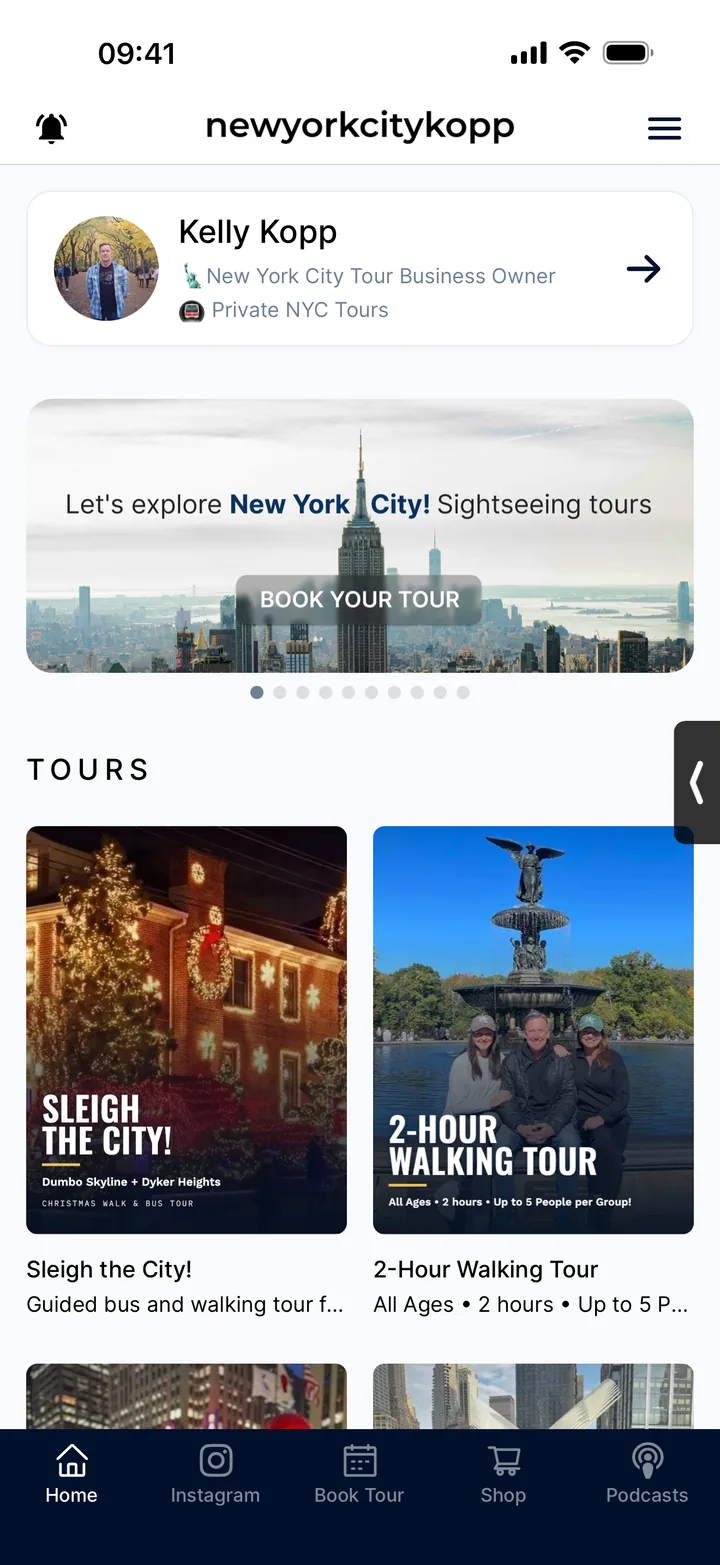
Edit the content and design. Preview, publish, and share your link.
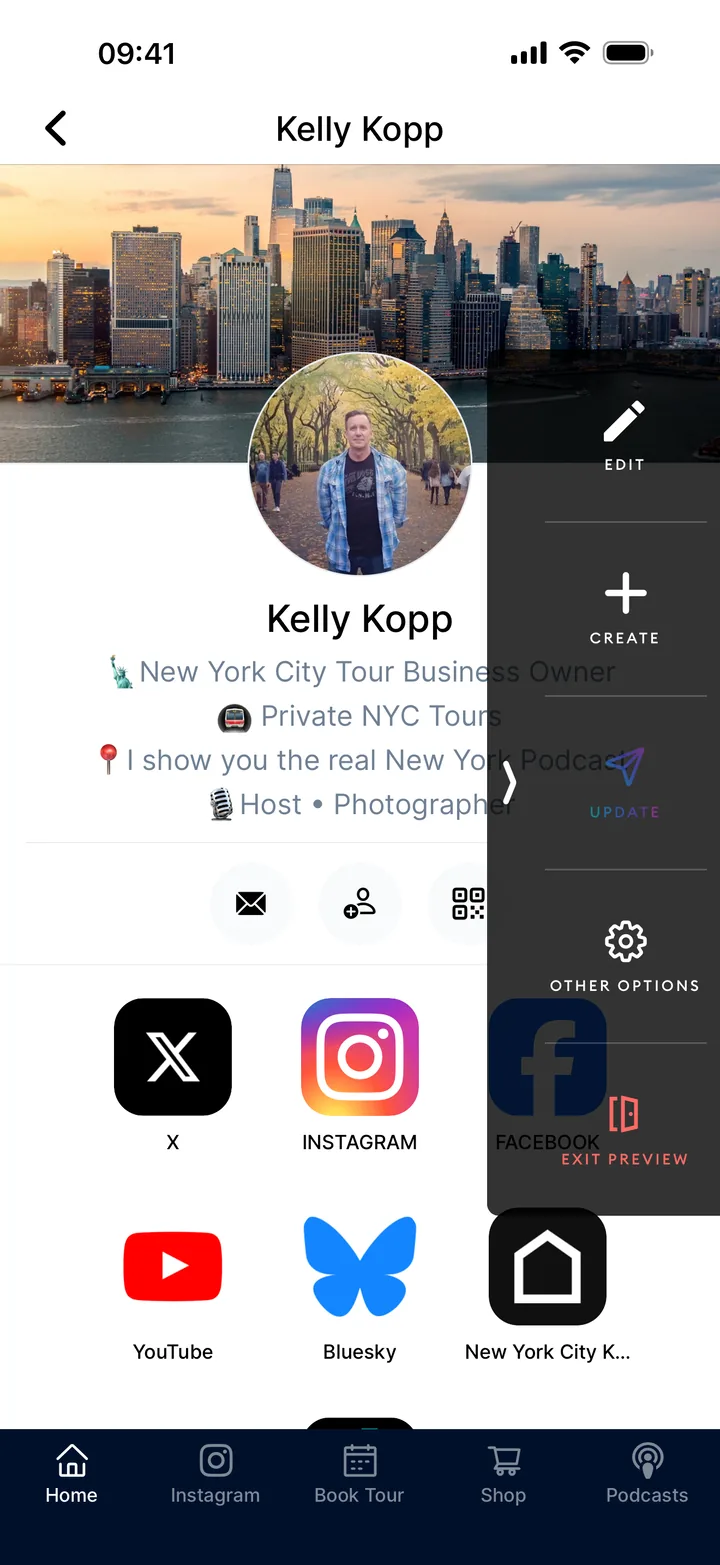
After you publish, draft new posts and images with AI, update your content, send push notifications under your own brand, and follow the results in Reports.
FOR YOU
Choose your name, icon, and colors.
FOR YOUR AUDIENCE
Reach the followers who opt in on iOS and Android. Bring them back to your Mini App with new content, a product, or an event.
Adding to the home screen and allowing notifications are separate choices. Support varies by device and browser.
Easyapp Reports
See how people reach you, what interests them, and how they respond.
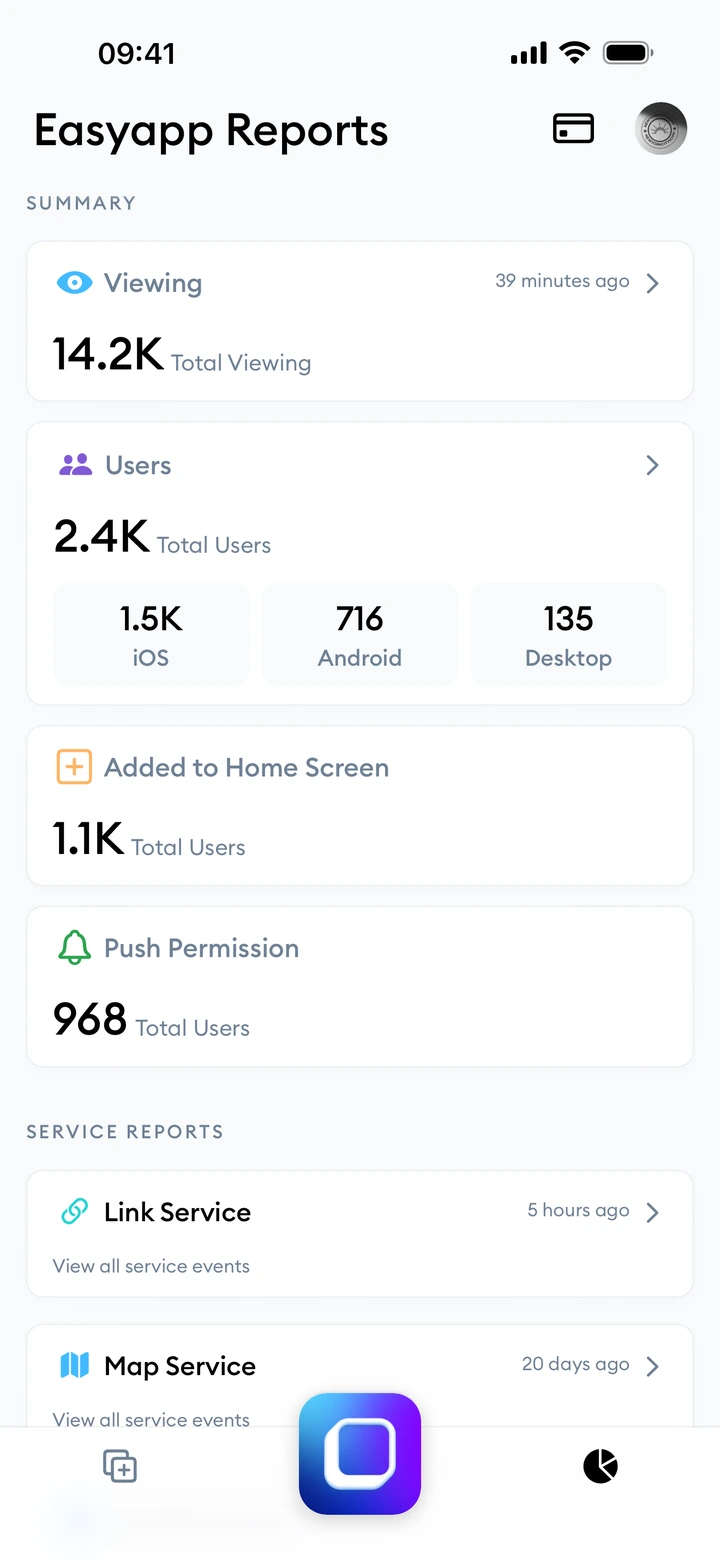
See how many people open your link, and which platforms they come from.
See which posts get attention and how many people add you to their home screen.
See how many people allow notifications, and how many read and open each announcement.
Easyapp Store
Win subscribers and sell your digital products.
Explore the StoreFeaturing selected Mini Apps for now.
List the Mini App you built with the Easyapp editor, or your web app from vibe coding and similar platforms, on Easyapp Store and reach new users.1
Offer your digital products and subscriptions through Apple's and Google's familiar in-app purchase experience.2
Your audience finds you in your Mini App and moves to Easyapp Store only to pay for digital purchases or subscriptions.
Trial or subscription starts after tapping "Subscribe" in a single-app test:
RevenueCat · Dipsea · US/iOS · May 2025. Not paid conversion. App-to-web test; excludes Easyapp's web-to-Store flow and Google Play. revenuecat.com
Create and publish free with Creator, and notify up to 100 followers who opt in. Creator Pro raises the limit to 1M per month.
Percentages are Easyapp's fees on sales.
All prices are in USD. Easyapp takes no fee on web sales through Stripe on either plan. In-app fees are calculated on sales, and App Store and Google Play sales are combined each month for the same account. Stripe, Apple, and Google fees apply separately.
Free through the end of 2027.
From January 2028, sales and subscription renewals that come from Store discovery carry a 5% Discovery fee, whether the payment runs through Stripe or in-app. On in-app sales it comes on top of Easyapp's in-app fee; web sales otherwise carry no Easyapp fee. Customers you bring in yourself carry no Discovery fee.
Send branded notifications to up to 1M people per month who opt in, instead of 100.
Once App Store and Google Play payments launch, Easyapp takes 3% on the first $25,000 in monthly sales and 2% above, instead of 5%.
Remove the Easyapp branding from your Mini App.
For App Store and Google Play sales, coming soon. Includes the monthly subscription and Easyapp fees. Excludes Apple and Google fees.
Web sales through Stripe carry no Easyapp fee on either plan.
App Store and Google Play · Coming soon
The slider stops at $50,000. Type a higher amount if you sell more.
The 2% rate applies only to the amount above $25,000.
At this level, Creator Pro costs $5.01 less per month.
Anyone can buy these, on either plan. After your first publish, changing the name, description, icon, category, or target age range uses a publishing credit. Content updates do not.
AI generation credits
50 credits. A text generation uses 1 credit; an image generation uses 4 credits and creates 2 images.
$2.99
Publishing credits
5 more publishing credits.
$1.99
AI app generations
3 more AI app generations.
$2.99
Easyapp domain
1 more easyapp.ai domain for your Mini App.
$0.99
Connect your own domain
Publish your Mini App at your own web address.
$14.99 one-time fee
Connect your own domain free through December 31, 2026, inclusive. Domains connected after that date have a one-time fee.
A Mini App brings your content, products, and services together under your own brand. It opens from a single link with no download and feels like a mobile app. On supported devices, followers can add it to their home screen and opt in to notifications.
Yes. No subscription fee, and not a limited-time trial. Create and publish your Mini App, use the available services, and notify up to 100 followers who opt in. Creator includes 5 AI credits, 5 publishing credits, 1 AI app generation, and 1 Easyapp domain, one time. Easyapp takes no fee on web sales; in-app sales fees (coming soon), payment processing fees, and add-ons are charged separately.
Choose the ready-to-use services that fit your work, then bring content, products, appointments, and events into one Mini App, under your own name and icon.
Reach your audience under your own brand, and notify followers who opt in. Start free with Creator, or notify up to 1M people per month with Pro. Easyapp takes no fee on web sales on either plan; payment processing fees apply separately.
Yes. Bring your videos, articles, and links together in your Mini App. Creator sends free notifications to up to 100 followers who opt in; Pro sends up to 1M per month.
No. Your Mini App opens from the link you share, with no App Store or Google Play download. Followers can choose to add it to their home screen and allow notifications.
On iPhone, open the link in Safari, then choose "Add to Home Screen" from the menu or Share button and confirm. On Android, open it in Chrome and choose "Add to Home Screen" or "Install". If the link opened inside an app like Instagram, open it in Safari or Chrome first. Notifications need separate permission, and on supported iPhones the Mini App has to be on the home screen before you can allow them.
Use Stripe to accept payments for products and services on the web. Those sales carry only Stripe's processing fee, with no Easyapp fee. Digital purchases and subscriptions through Easyapp Store will soon use Apple or Google's in-app payment system instead of Stripe; those carry Apple's or Google's fee plus Easyapp's in-app fee.
You keep Pro until the end of your paid period. Your Mini App then stays live on the free Creator plan: 100 notification recipients, no monthly credits, visible Easyapp branding, and Creator in-app sales fees (coming soon). Your Easyapp subscription is separate from your followers' purchases and subscriptions.
Create your Mini App and add your profile, links, content, and products. Check your links, checkout, and content access before publishing, then update your social profiles with your Mini App link. Existing subscriptions, saved payment details, and content archives do not transfer automatically. Course progress, quizzes, certificates, and community chat need a separate tool. Easyapp's support team can help with setup questions in writing.
If you have an older Easyapp subscription, you keep your old price. Your plan now runs on credits like Creator Pro, so AI and publishing are no longer unlimited. You can buy extra credit packs anytime.
Put your name on it, and bring your audience closer.
You create it in the Easyapp app, free on iOS and Android.